
PDF stories for kids
Explore our PDF stories for kids and choose your next family read. Pick a story from the English collection, open its page and look for the Download the story as a PDF button at the end. Save the file to your device, print it or enjoy reading it offline.
This collection brings together stories available in English. Each card opens the full story, where you will find its PDF download option.





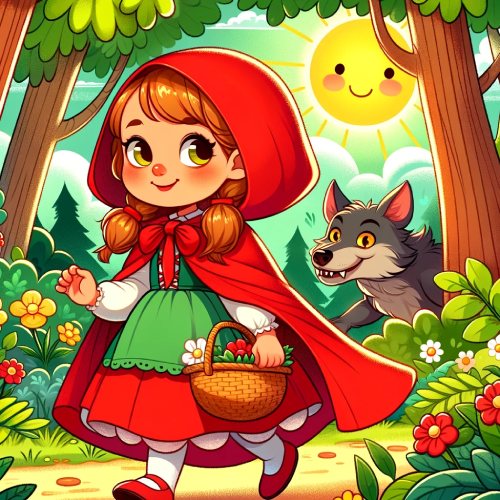
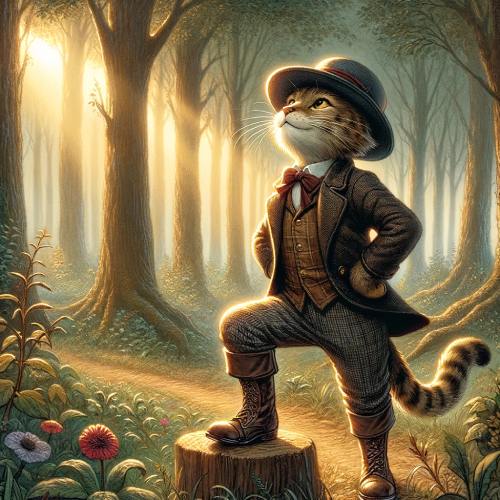
How to download PDF stories for kids
- Choose a story and select its title or picture.
- Read the story and go to the download section at the end of the page.
- Select the PDF download button.
- Save the file when it opens in your browser or your device offers a download option.
Save a story to read offline
Once you have downloaded the file, you can open it in a compatible PDF reader without returning to the website. Keep a favourite story ready for a journey, a quiet afternoon or bedtime reading.
Print a story to read on paper
Open the saved PDF and choose the print option. Check the page range, paper size and print preview before printing your copy.
Children’s PDF stories for home and school
Stories offer a chance to share adventures, meet different characters and talk about what happens. Read aloud together, take turns with the dialogue or let children choose a story that interests them.
Try an activity after reading
Discuss the main character, the problem in the story and how it is resolved. Children can draw a favourite scene or retell the adventure in their own words.
Questions about downloading stories
Where can I find the PDF file?
The collection links to each story’s page. Its PDF button appears at the end of the story and lets you generate or download the file.
Are these stories in English?
Yes. This collection shows stories published in English. More titles will appear as new English stories are added.
More reading and activities for kids
Explore our children’s stories, riddles for kids and colouring pages.